What is this?
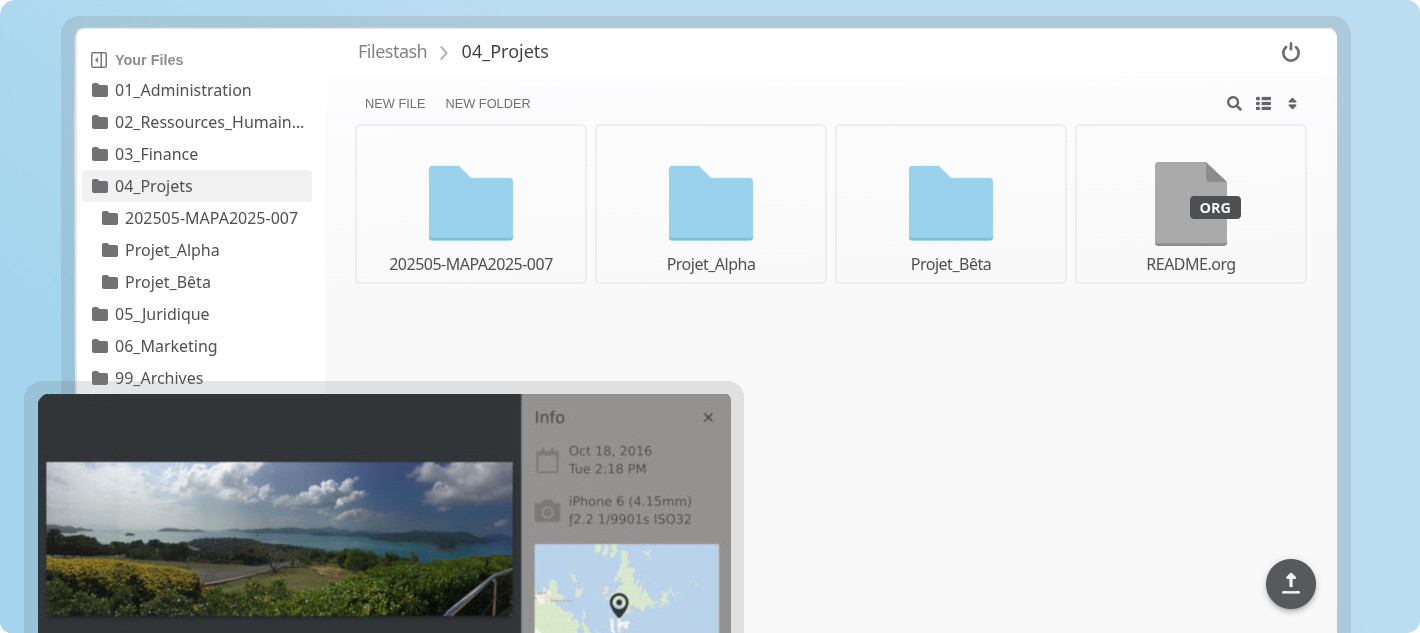
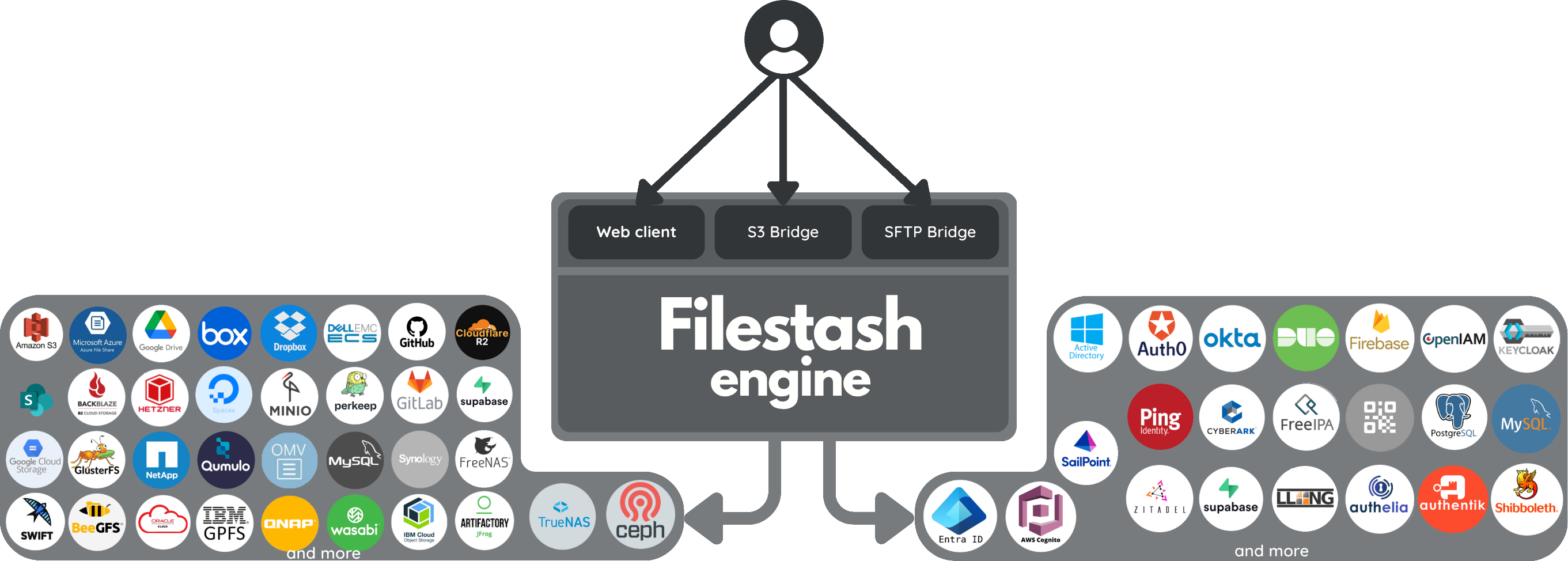
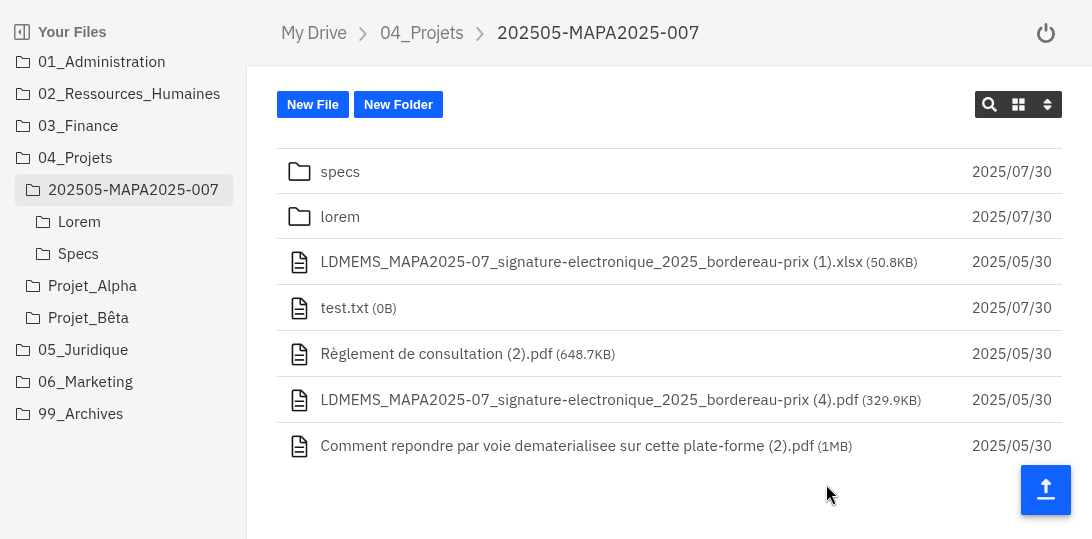
Filestash started as a storage agnostic Dropbox-like file manager that speaks every storage protocol (FTP, SFTP, S3, SMB, WebDAV, IPFS, and about 20 more). It grew into what we want to be the world's best file management platform, centered around 3 pillars:
- Web client (the file manager available from your browser): documentation / screenshot
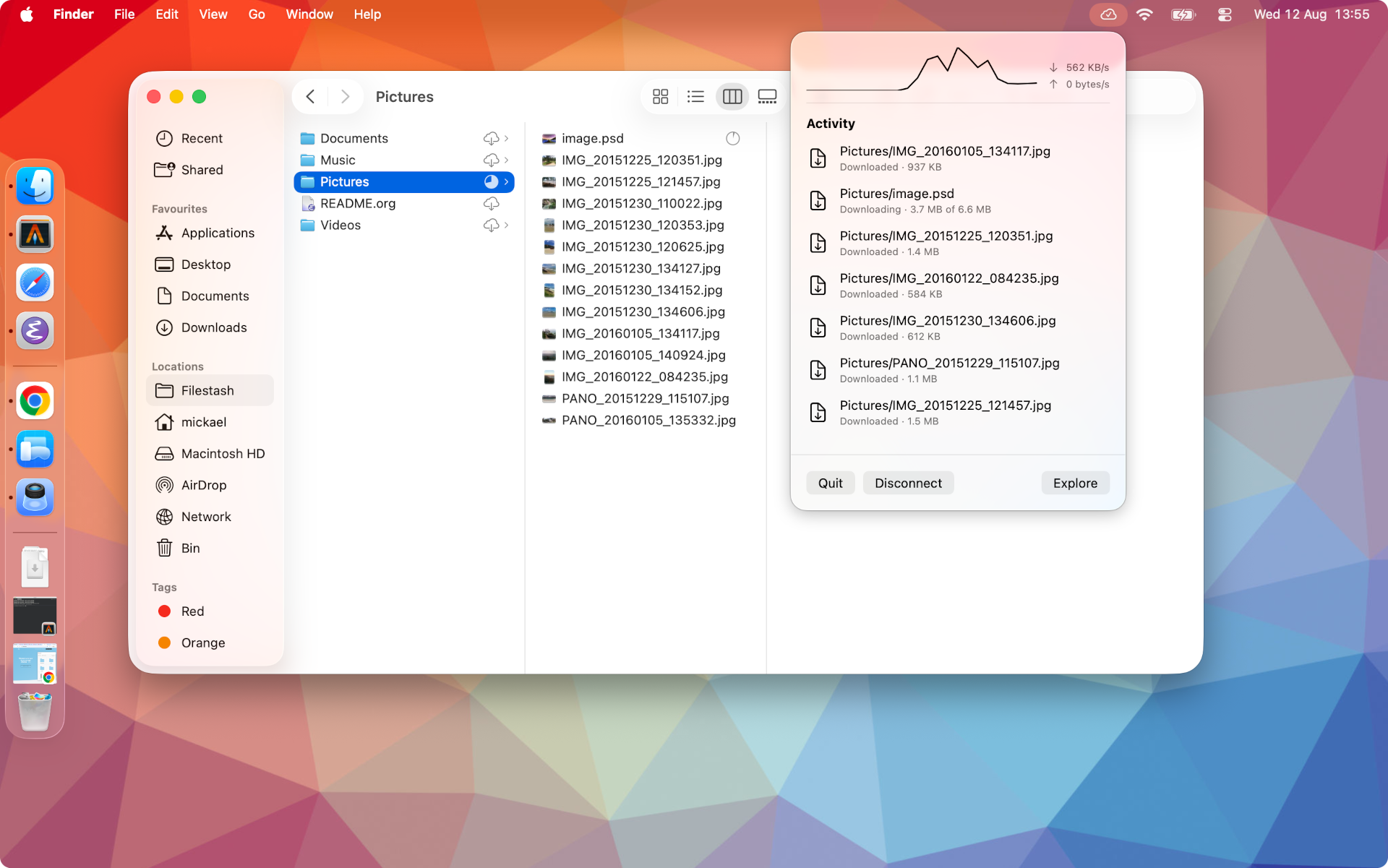
- Native client (to sync your data on your device): repo / screenshots for mac, windows, linux, android & iphone
- Gateways (to expose your storages over any protocol): showcase
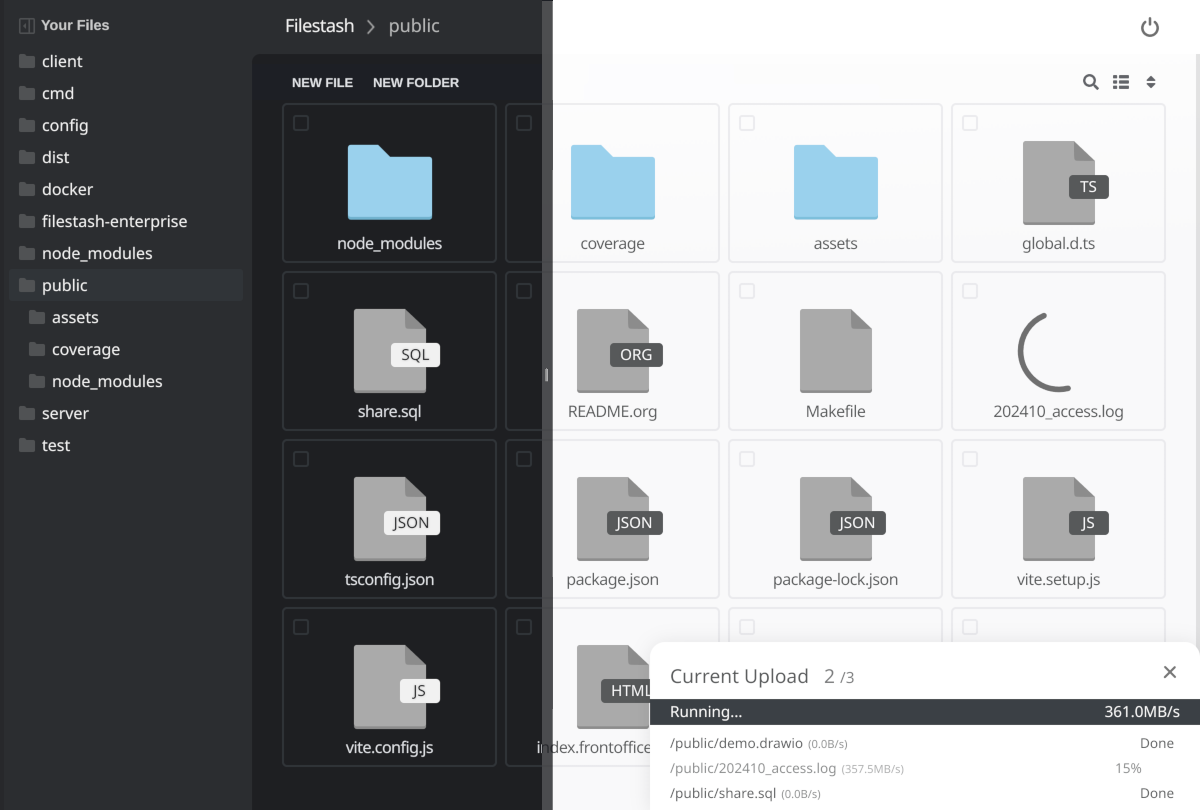
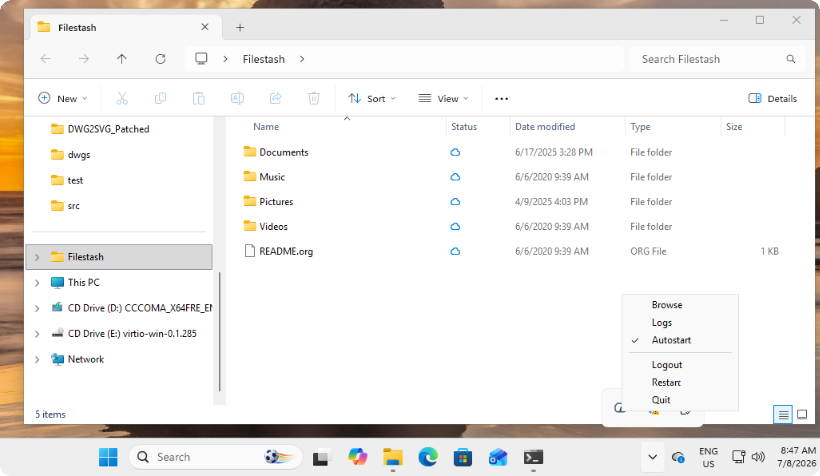
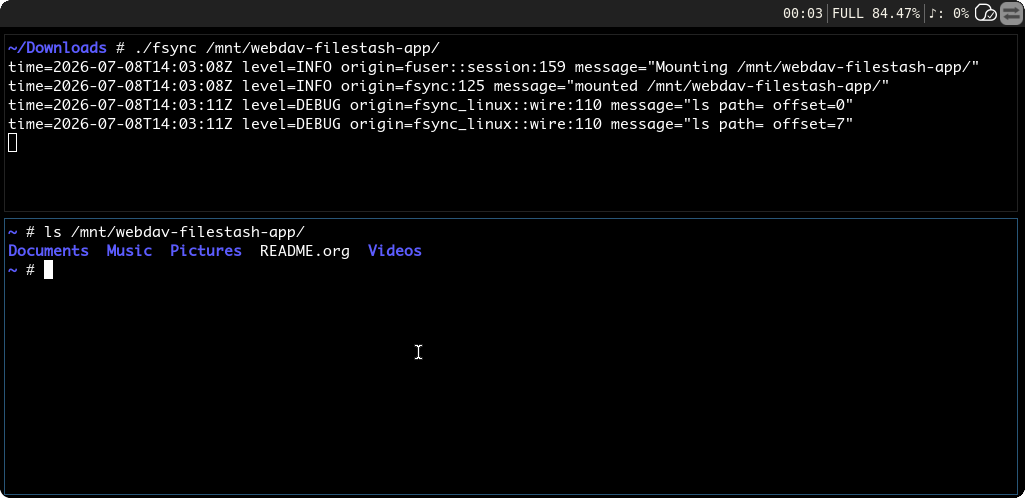
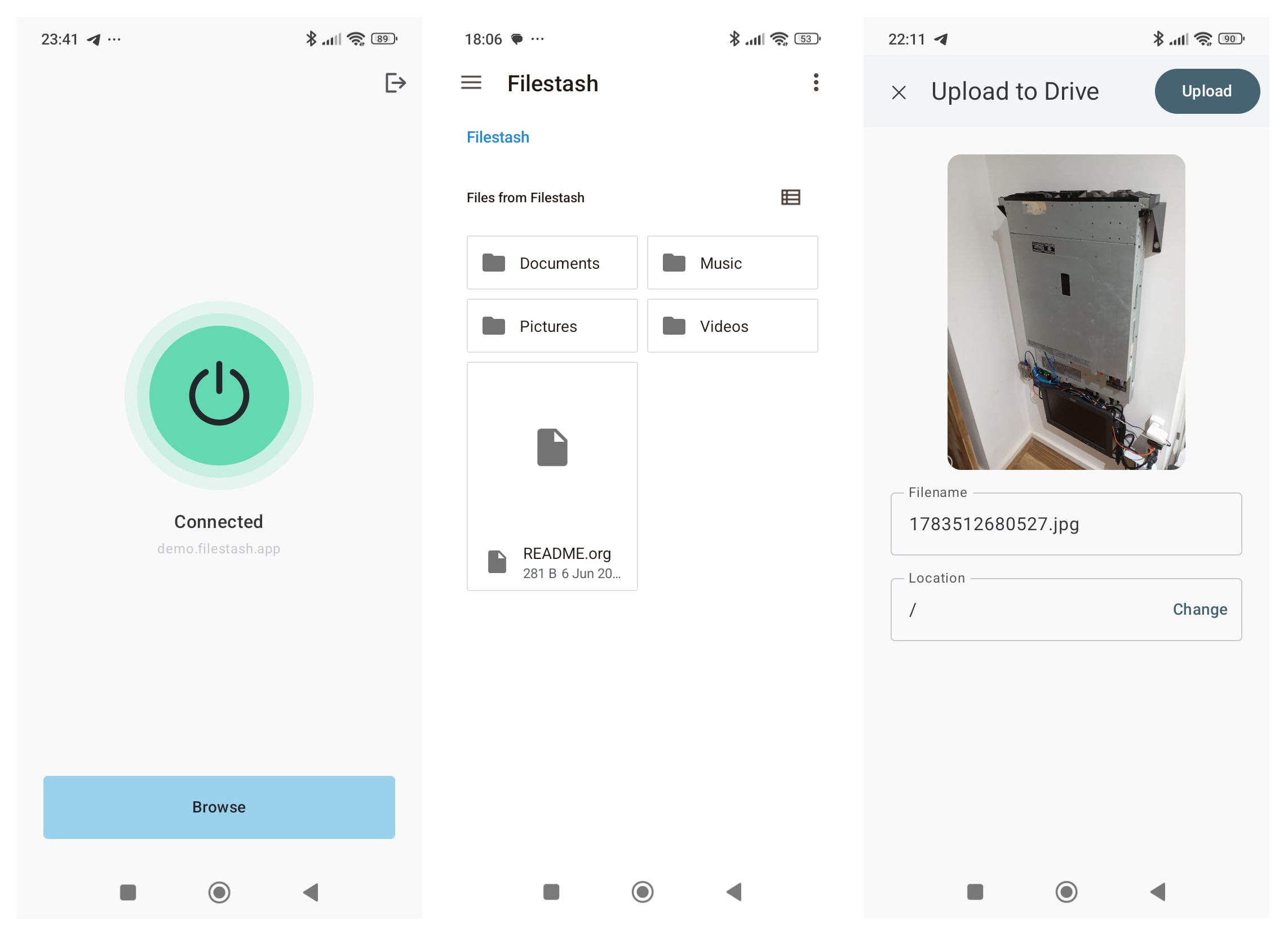
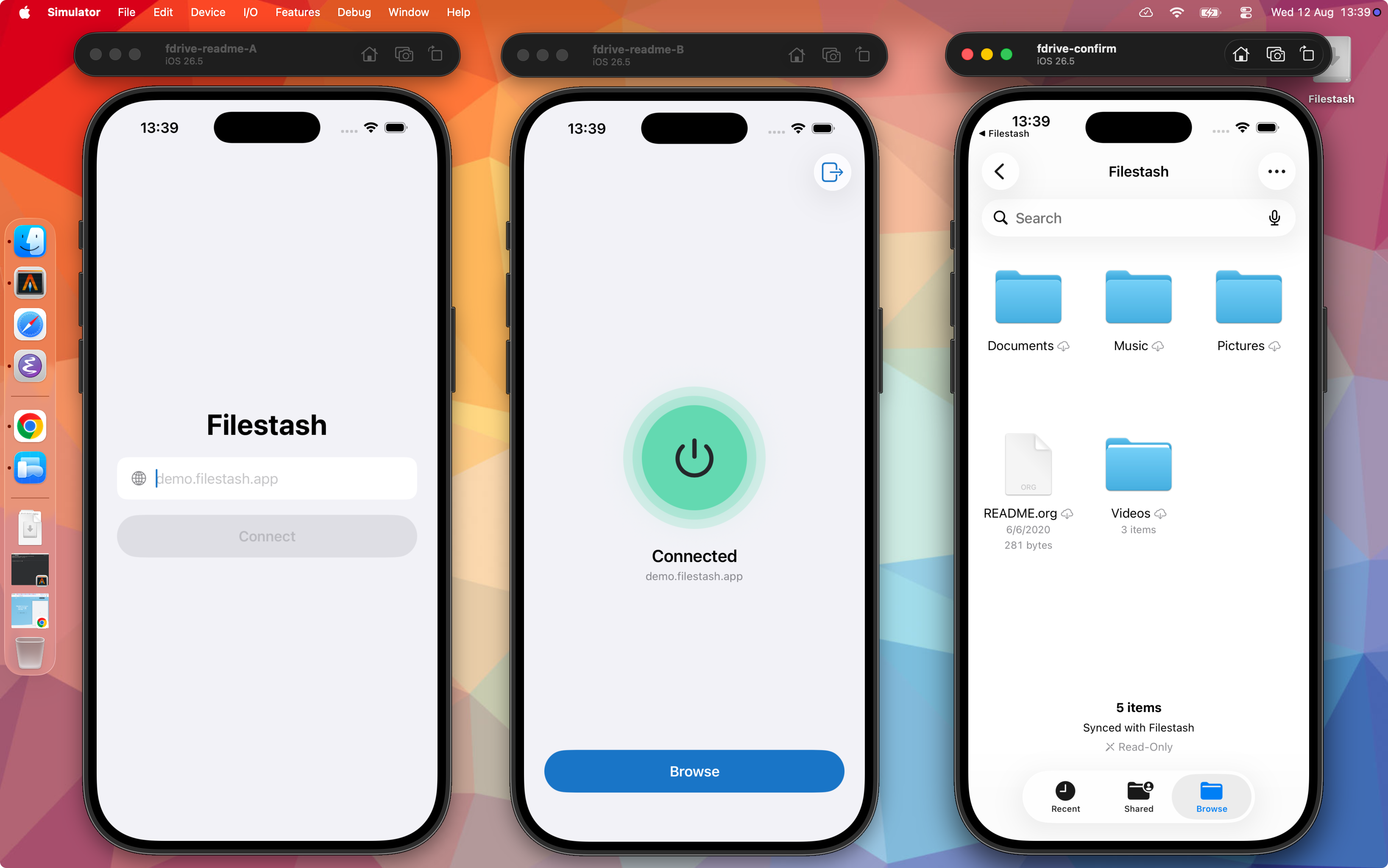
The philosophy that guides this project is: "anything that's not a fundamental truth of the universe lives in a plugin". That keeps the core lean and fast, and the opinions replaceable, so when your requirements get deep or weird, the answer is a plugin, not a fork.
Key Features
- Plugin Driven Architecture: everything that matters is a plugin, browse the ecosystem or build your own. With this approach, you get exactly what you need without overhead and bloat.
- Universal Access: the web client is just one way to access your data (albeit an awesome one, handcrafted in vanilla JS). APIs and Gateways let you also expose your data over protocols like SFTP, S3, FTP, WebDAV, MCP, and AS2.
- Integrations: our explicit goal is to support 100% of storage and authentication technologies on the market. Beyond your usual options, you can go much further, like a virtual filesystem delegating authentication to your WordPress site and using its roles to drive RBAC authorization.
- Workflow Engine: automate anything that happens to your files by chaining actions on events, from simple notifications via Slack or email to full on MFT pipelines and everything in between.
- File Apps: use any of the existing apps or build your own, from astronomy to embroidery and everything in between like:
- photography: heif, nef, raf, tiff, raw, arw, sr2, srf, nrw, cr2, crw, x3f, pef, rw2, orf, mrw, mdc, mef, mos, dcr, kdc, 3fr, erf and srw
- astronomy: fits, xisf
- science: with latex, plantuml & pandoc compilers
- music: mid, midi, gp4 and gp5
- GIS: geojson, shp, gpx, wms and dbf
- data engineering: parquet, arrow, feather, avro, orc, hdf5, h5, netcdf, nc, rds, rda and rdata
- dev: a, so, o, dylib, dll, tar, tgz, zip, har, cap, pcap, pcapng and sqlite
- creative work: svg, psd, ai, sketch, cdr, woff, woff2, ttf, otf, eot, exr, tga, pgm, ppm, dds, ktx, dpx, pcx, xpm, pnm, xbm, aai, xwd, cin, pbm, pcd, sgi, wbmp and rgb
- biomedical: dicom, sam, bam, cif, pdb, xyz, sdf, mol, mol2 and mmtf
- autodesk: dwg and dxf
- adobe: psd, ai, xd, dng, postscript, aco, ase, swf
- 3d: fbx, gltf, obj, stl, step, mesh, ifc, dae
- embroidery: dgt, dst, dsb, dsz, edr, exp, 10o, col, hus, inf, jef, ksm, pcm, pcs, pes, sew, shv, sst, tap, u01, vip, vp3 and xxx
- e2e: pgp, gpg
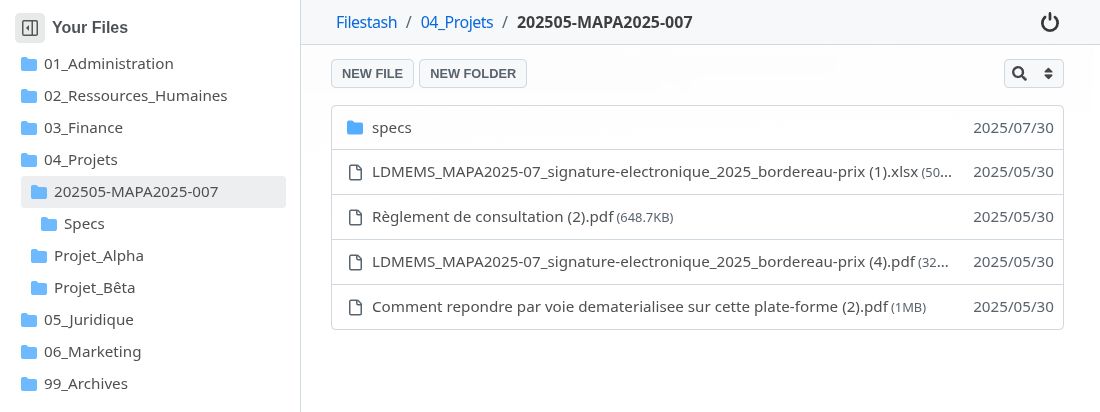
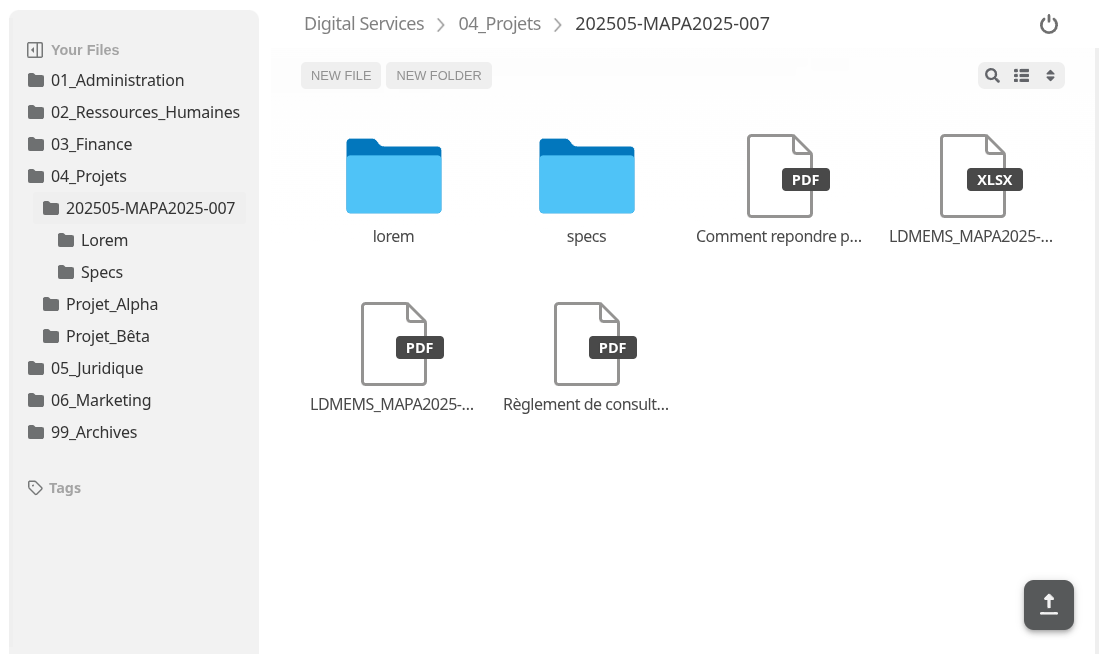
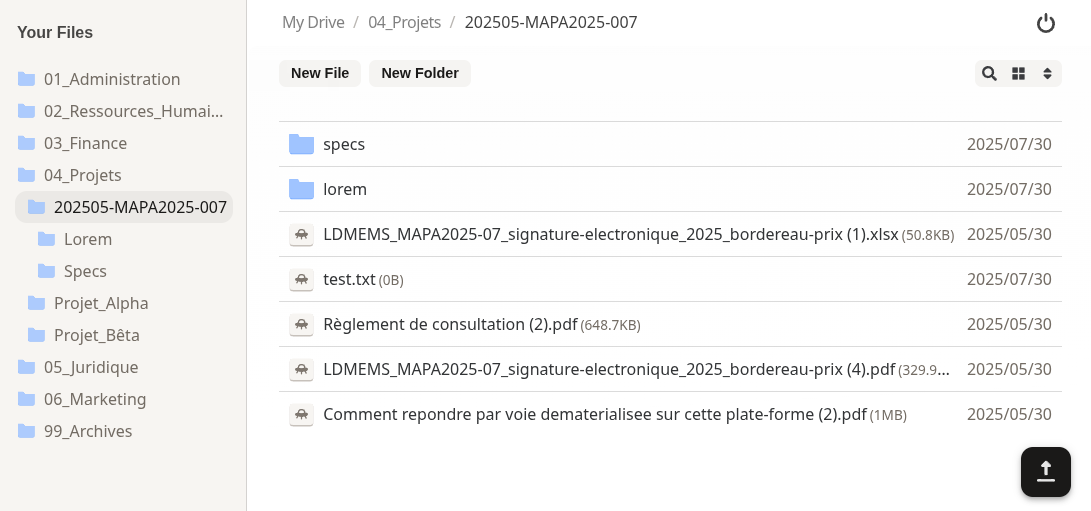
- Themes:
- AI features for search, smart folders and OCRs.
- ... and much much more (versioning, audit, public site, antivirus, quota, chat, chromecast support, on demand video transcoding, mounting shared links as network drive, ...)
As a rule of thumb, if your problem involves files, we either already have a plugin for it or can make a plugin for it
Plugins
Malleability isn't an afterthought, it's the whole architecture:
anything that's not a fundamental truth of the universe lives in a plugin
Taken literally, the "truths of the universe" are a set of core interfaces, one for every key component of Filestash, and they're yours to implement (storage, authentication, authorisation, search, thumbnailing, apps, middleware, frontend changes, ...)
The oldest one is the storage interface, the one at work whenever you connect to a storage:
type IBackend interface {
	Ls(path string) ([]os.FileInfo, error)
	Stat(path string) (os.FileInfo, error)
	Cat(path string) (io.ReadCloser, error)
	Mkdir(path string) error
	Rm(path string) error
	Mv(from string, to string) error
	Save(path string, file io.Reader) error
	Touch(path string) error
}
Historically, plugins were made in Go and compiled in. Today there's a second path: runtime plugins, a zip you drop in the plugins folder. The zip can reshape the frontend and it can carry wasm implementing the very same core interfaces. That wasm runs in a VM with tight control on permissions: no declared network host, no way to phone home. Installing a plugin doesn't mean trusting it with everything.
For example:
use filestash::*;

#[derive(Default)]
pub struct Plugin;

impl Authorisation for Plugin {
    fn ls(&self, _ctx: &Context, path: &str) -> Decision {
        self.check(path)
    }
    fn cat(&self, _ctx: &Context, path: &str) -> Decision { ... }
    fn stat(&self, _ctx: &Context, path: &str) -> Decision { ... }
}

impl Plugin {
    fn check(&self, path: &str) -> Decision {
        if path.split("/").any(|segment| segment == "top_secret") {
            log::warn!("[TOPSECRET] access denied !!");
            return Decision::Deny;
        }
        Decision::Allow
    }
}

register!(Plugin: Authorisation);
These few lines give you a readonly view of your data where every folder named "top_secret" is off limits. For more examples, browse the plugin folder, the runtime plugin cookbook, and the plugin marketplace.
And to be clear, code is the power-user path, there are no code options
Getting Started
To install Filestash, head to the Getting started guide. If you want to leverage plugins, head over to the inventory, or learn about developing your own plugins.
Support
- Commercial Users → support contract
- For individuals:
- #filestash on IRC (libera.chat)
- Bitcoin:
3LX5KGmSmHDj5EuXrmUvcg77EJxCxmdsgW - Open Collective
Origin Story
Familiar with the infamous comment from Dropbox's launch on HN? In my memory it goes like this:
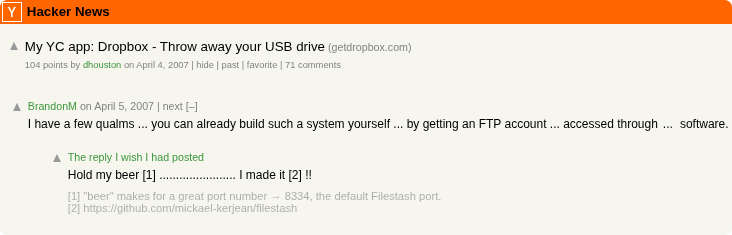
Is this the story of a random guy that spent 10 years and thousands of hours proving BrandonM right? And possibly the longest standing troll on HN ? You be the judge. But first, let's rewind the tape all the way back.
We're some day, some time, somewhere around 2010, or maybe 2011 ... actually I don't remember, it might have been 2012. What I remember though is I was on the way back from uni, carrying one of those super tiny notebook in my backpack:

I loved that flimsy little machine, it ran windows atrociously but felt as fast as a racecar if you were a linux user. On that very average day, I opened up that little race machine on my desk and ..... nothing, the screen would not turn on, no fan noise, nothing. I was told:
The motherboard died
I was doubled lucky, first my data was kept in sync with what was back then (and still is today) the most popular Dropbox alternative running from an old machine pretending to be a server in my parent leaving room 1000 km away. Second,
Luckily a friend gave me his old laptop, so I and that's when I tried to sync my data that was on the most popular Dropbox alternative at the time and still is today, installed the sync client, press synchronise and figure it might take some time so went to bed while the sync was hapening.
The next morning as I wake up, the sync client was still busy doing god know what, fine it ran the whole day, the whole night and the next morning it was still stuck. Every day, the progress bar which had this indication for how long something would take, would go larger and larger instead of going down. A week later I figured:
alright then it looks like a pretty serious bug! Let's fix it!
Super enthusiastic about the idea to contribute to open source, I started to poke around to understand what was going on. There was no LLM to assist in debugging so it was a fairly painfull process. Nothing interesting in the application logs, no errors that I could see. At some point I started to look at the queries hapening on mysql and it became immeditatly clear, the sync client was quite literally ddosing the database the hardest it could in a loop and the mysql was to its knees begging for a break after more than a week of constant hamering. Weird so as a despaired attempt, I downloaded another sync client called syncthing and tried to sync on the new machine, it tooks under 2 hours when the other sync client did not get it done in over a week. A few seconds after syncthing did the job, the other sync did not liked that I used another tool to synchronise data and it started deleting things, nooooooooooooo! one, two, three I killed the old sync client and that's why we won't know how many 100x faster syncthing was since the original sync got killed. That's how I learned about weird commands like occ files:scan to force synchronisation between what the filesystem has and what this alternative thought it had. Yes it turned out that the database is used to store a copy of the actual filesystem that must stay in sync because .... euh ....
I was a happy user of this Dropbox alternative until this incident, the idea to go back to something that has such an architectural defect that it makes more sql query than plain Wordpress to show me a list of files and folder in the root directory made that option unthinkable. Fun fact, 15 years later, that problem only got worse, same software produce even more sql queries than it did back then, while it was ~20 to do a simple operation like listing the files in a folder, it's now over 200! I literally tried everything but they all had the same problem which boils down to an architectural choice you have to make early on: Do you want to bet for or against the unix philosophy? Everyone else is betting against, we surely need a solution that embrace the unix philosophy.
Can't we make a nice Dropbox alternative that is a nice integration of 3 core components interacting with each other: storage, web client and sync client. There was literally hundreds of options when it comes to finding a solution for storage that could speak various standard protocols, there was a few other sync clients that all worked better like Unison and syncthing, we just needed some kind of glue to integrate everything togetther so here went my week ends and thousands of hours later.
That day, I learned one lesson, no it was not about backup but the sheer superiority of the unix philosophy, one tool that does it well that integrate with an ecosystem. Even today, all the Dropbox alternative make it impossible to integrate with the ecosystem, wouldn't it be cool to use syncthing as my sync client, tight to the openssh SFTP server,
Credits
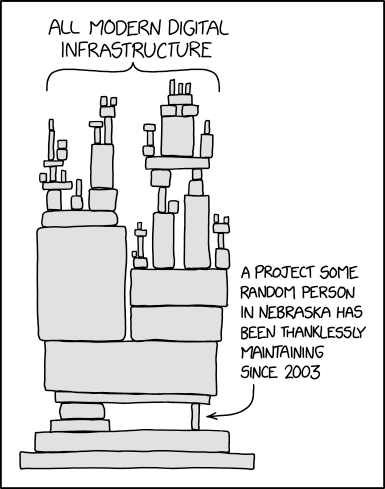
Filestash stands on the shoulder of: contributors, folks developing awesome libraries, BrandonM, a whole bunch of C stuff (the C standard library, libjpeg, libpng, libgif, libraw and many more), fontawesome, material, Browser stack to let us test on real devices, and the many guys from Nebraska and elsewhere who have been thanklessly maintaining the critical pieces that Filestash sits on top: